What if a single alphanumeric string was the only thing standing between you and your new professional license? For many in Tampa, the TCN (Transaction Control Number) feels like just another piece of confusing government jargon, yet it's the most critical tool for monitoring your Level 2 background check. It's common to feel anxious while waiting for results to clear through the Florida Department of Law Enforcement. You've likely spent hours wondering if your fingerprints were even received or if a technical error is causing a delay.
We understand that navigating regulatory requirements should be fast and friction-free. This article will teach you exactly how to use your TCN to track your submission and verify its status through the FDLE online portal. You'll also learn why having the correct ORI codes is vital for ensuring your data reaches the right agency without setbacks. We'll show you how BioWhorl simplifies this by keeping common ORI codes on file and offering Mobile On-site Fingerprinting for groups of four or more participants. By the end of this guide, you'll have total clarity on your background check status.
What is a TCN in Florida Fingerprinting?
A TCN, or Transaction Control Number, is the primary tracking identifier for your biometric data. When you complete a Live Scan session, the system generates this unique 13-character alphanumeric code. It serves as your official receipt. It proves that your fingerprints were successfully transmitted to the Florida Department of Law Enforcement (FDLE). Without this number, you cannot verify the progress of your background check.
The TCN is essential for Level 2 background checks. These screenings involve a fingerprint-based search of both FDLE and FBI criminal history records. Once BioWhorl submits your prints electronically, the TCN becomes the only way to locate your file within the state's database. It acts as a bridge between your physical prints and the digital record held by the state. It ensures that your submission is not lost or delayed in the bureaucratic shuffle.
TCN vs. ORI Code: Knowing the Difference
While the TCN tracks your specific transaction, the ORI code (Originating Agency Identifier) identifies the specific agency requesting your records. Think of the ORI code as the destination address and the TCN as your tracking number. If the ORI code is incorrect, your results will go to the wrong department. This error often forces applicants to restart the entire process.
Accuracy is critical in this process. We treat ORI codes as the most important technical detail of your submission. To ensure a streamlined experience, BioWhorl maintains a library of most common Florida ORI codes on file. This readiness prevents common data entry errors. For businesses needing efficiency at scale, we offer Mobile On-site Fingerprinting. These sessions require a minimum of four participants and bring our compliance expertise directly to your office. It's a professional solution for groups that value their time and accuracy.
How to Obtain and Use Your TCN for Background Checks
Obtaining your TCN is the immediate outcome of a successful Live Scan session. Once your fingerprints are captured and transmitted, the provider generates a receipt containing this 13-character alphanumeric code. Do not discard this document. Licensing boards and employers often require the TCN as formal proof that you have initiated the screening. If you are managing a corporate team, BioWhorl offers Mobile On-site Fingerprinting for groups of four or more participants. This service ensures every employee receives their TCN simultaneously in a controlled, professional setting.
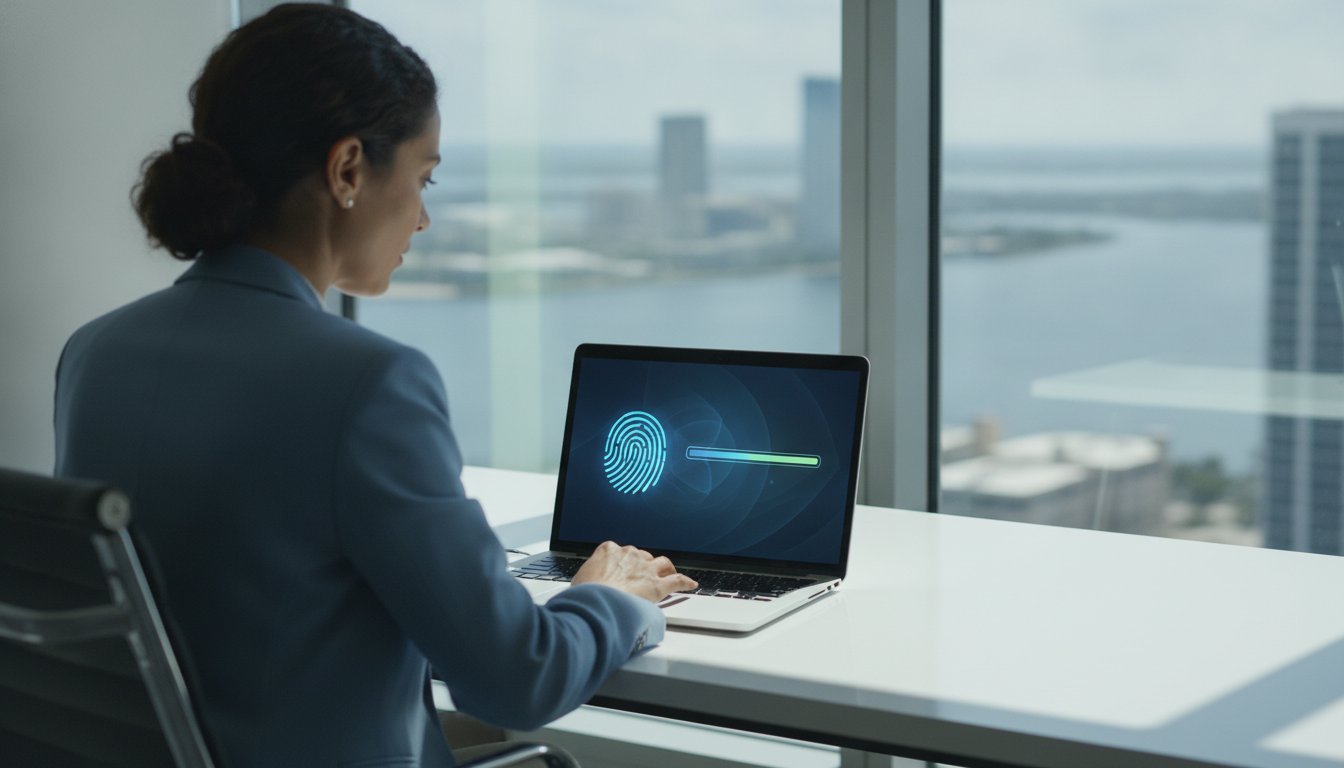
The Florida Department of Law Enforcement (FDLE) typically processes electronic submissions within 24 to 72 hours. During this window, you can use the official Civil Workflow Control System (CWCS) portal to check the status of your background check. You simply enter the TCN exactly as it appears on your receipt. This transparency eliminates the uncertainty of waiting for results. It allows you to confirm that the state has received your data and is currently conducting the review.
Tracking Your Level 2 Background Check Status
Agencies such as the Agency for Healthcare Administration (AHCA) and the Florida Department of Education rely on the TCN to link results to your professional application. If the state system does not recognize your number, first verify the characters for accuracy. If the issue persists beyond 72 hours, it may indicate a technical mismatch. Most submission errors stem from incorrect ORI codes. BioWhorl minimizes this risk by keeping common Florida ORI codes on file. This technical readiness ensures your data is routed accurately the first time, providing a streamlined experience from start to finish.
Professional Live Scan Services and Mobile Solutions in Tampa Bay
BioWhorl provides a high-efficiency solution for Level 2 Live Scan fingerprinting in the Tampa Bay area. We handle the technical complexities of FDLE and FBI background check submissions with surgical precision. Our process includes AHCA photo submission as a bundled convenience. This ensures your application meets all state requirements in a single visit. We treat ORI codes as critical technical details. Accuracy here is non-negotiable for a successful screening. Since we maintain a library of common Florida ORI codes on file, we significantly reduce the risk of routing errors. This technical readiness allows for a faster, more dependable experience for every client.
Once your session is complete, you'll receive your TCN immediately. This number is your primary tool for verification. You can use the official FDLE TCN Lookup portal to monitor your submission's progress. Our electronic system ensures that your data enters the state's workflow without the delays associated with legacy methods. This "requirement-to-relief" approach is designed to save you time and minimize friction in the licensing process.
Mobile On-site Fingerprinting for Florida Businesses
For organizations requiring group screenings, our Mobile On-site Fingerprinting service offers logistical relief. We bring our compliance expertise directly to your location. This service is available for groups with a minimum of four participants. It's an ideal solution for schools in Plant City or healthcare facilities in Clearwater. By scheduling a mobile session, your entire staff can complete their requirements at once. This ensures everyone receives their TCNs simultaneously. It eliminates travel time and keeps your team focused on their professional duties. Our mobile units are fully equipped to handle professional fingerprinting services anywhere in the region. We prioritize speed and surgical precision in every session.
Streamline Your Florida Licensing Process
Managing the technical requirements for a Level 2 background check doesn't have to be a source of friction. Your TCN is the essential link that allows you to verify your submission status with the FDLE and ensures your professional application stays on track. By prioritizing the accuracy of your ORI codes and utilizing electronic Live Scan services, you eliminate the risk of common data entry errors that cause significant delays.
BioWhorl is ready to facilitate this process for you. We maintain an extensive library of common ORI codes and specialize in AHCA and Florida Department of Education compliance. If you're managing a team in Tampa, St. Pete, or Clearwater, our Mobile On-site Fingerprinting service brings technical readiness directly to your facility. These sessions require a minimum of four participants and provide a professional, streamlined experience for your entire staff. We handle the technicalities so you can focus on your operations.
Schedule Your Mobile Fingerprinting Session with BioWhorl and take the uncertainty out of your background checks. We're here to help you navigate these regulatory hurdles with speed and quiet competence.
Frequently Asked Questions
Where can I find my TCN after my fingerprinting appointment?
You will find your TCN on the printed or digital receipt provided by your technician immediately after your Live Scan session. This 13-character alphanumeric identifier is your official proof of submission to the FDLE. If you're part of a group using BioWhorl's Mobile On-site Fingerprinting, each of the four or more participants receives an individual receipt containing their specific tracking number before the session concludes.
Can I track my background check without a TCN?
No, you cannot use the FDLE online portal to monitor your status without a TCN. This number is the unique link between your biometric data and the state's tracking system. While some agencies might have internal access to your results later, the TCN is the only way for an applicant to verify that their fingerprints were successfully received and are currently under review by state authorities.
What should I do if my TCN shows an error on the FDLE website?
If the portal returns an error, first verify that you've entered all 13 characters exactly as they appear on your receipt. Errors are common if you attempt to track the submission less than 24 hours after your appointment. If the issue persists, it may indicate a problem with the ORI codes used during your session. BioWhorl keeps most common Florida ORI codes on file to prevent these technical mismatches and ensure your background check is routed correctly.
How long is a TCN valid for background check tracking in Florida?
A TCN is typically searchable in the FDLE Civil Workflow Control System for 30 to 60 days after the transaction is processed. While the number remains a permanent part of your background check record, the online tracking tool is designed for active monitoring of recent submissions. It's best to check your status within 72 hours of your appointment to confirm that the state has accepted your fingerprints without any immediate technical rejections.